Processing pipeline details
dMRIprep adapts its pipeline depending on what data and metadata are available and are used as the input.
A (very) high-level view of the simplest pipeline is presented below.
T1w preprocessing
dmriprep.workflows.anatomical.init_anat_preproc_wf
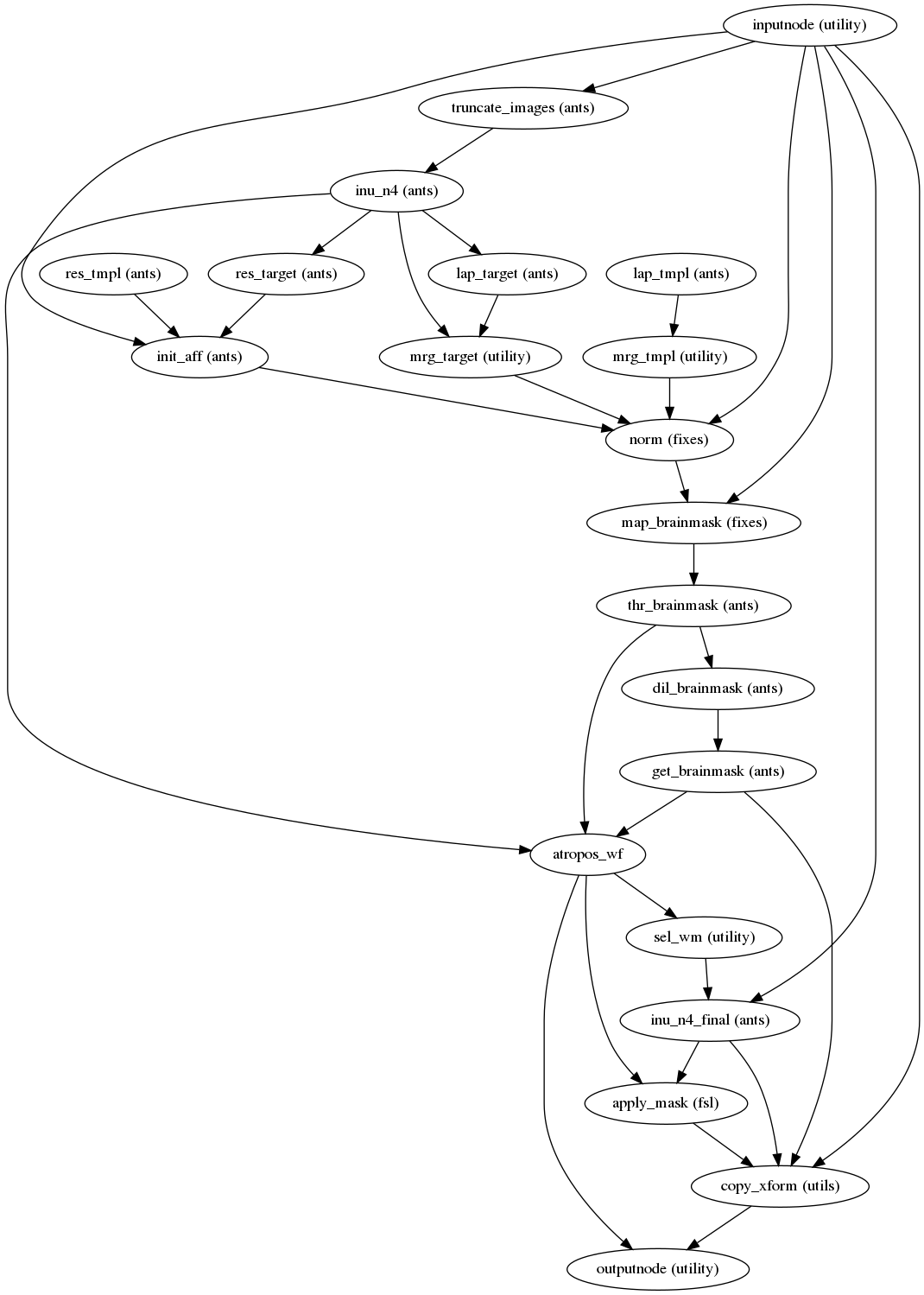
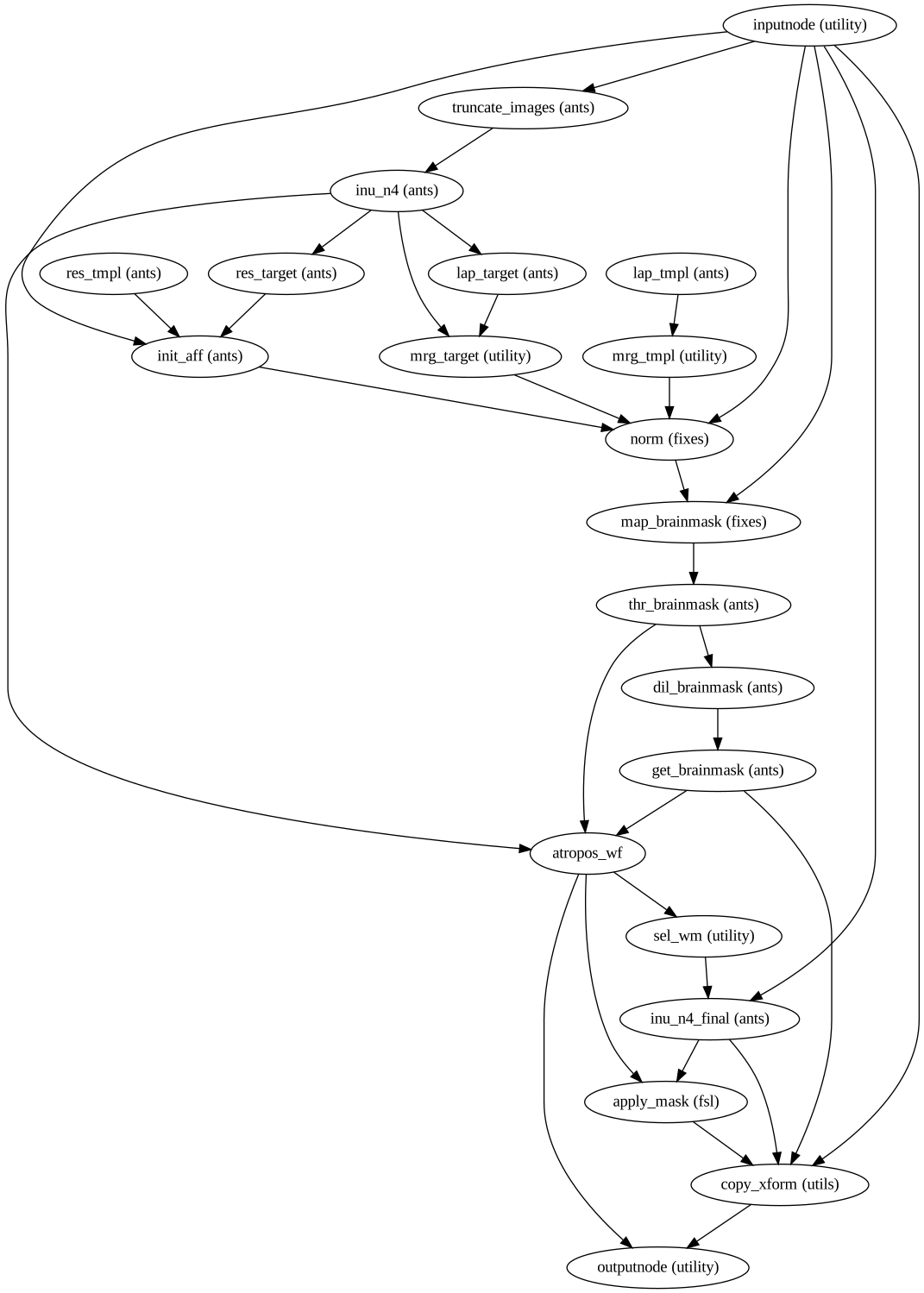
The T1w preprocessing workflow skull strips the T1w scan for later use in
tractography or susceptibility distortion correction if using ANTs or
BrainSuite. It uses init_brain_extraction_wf from
niworkflows.
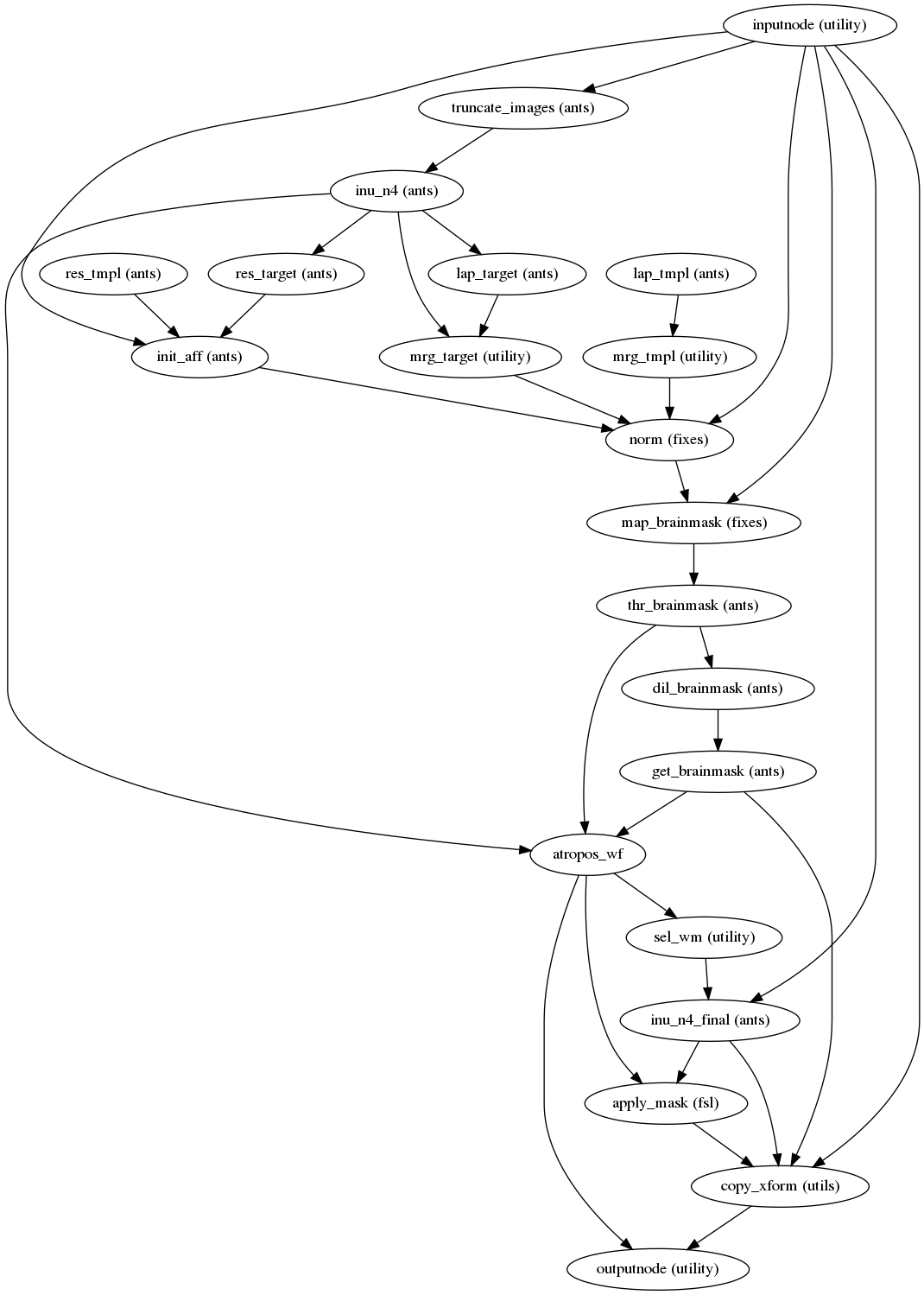
(Source code, png, svg, pdf)
DWI preprocessing
dmriprep.workflows.dwi.base.init_dwi_preproc_wf
Preprocessing of DWI files is split into multiple sub-workflows described below.
Concatenating Scans
dmriprep.workflows.dwi.util.init_dwi_concat_wf
By default, each scan in the dwi folder will get preprocessed separately.
However, there are some cases where multiple scans should be concatenated before
head motion, eddy current distortion and susceptibility distortion correction
(eg. single-shell or multi-shell scan acquired in separate runs).
bids
└── sub-01
  └── dwi
      ├── sub-01_acq-multishelldir30b1000_dwi.nii.gz
      ├── sub-01_acq-multishelldir30b3000_dwi.nii.gz
      ├── sub-01_acq-multishelldir30b4500_dwi.nii.gz
      └── sub-01_acq-singleshelldir60b1000_dwi.nii.gz
In the above example, the multi-shell scans should be concatenated and the
single-shell scan should be left alone. This is done by using the
--concat_dwis flag as shown below:
--concat_dwis multishelldir30b1000 multishelldir30b3000 multishelldir30b4500
The unique acq entities are passed on so this pipeline knows which scans to
concatenate. The associated bvecs and bvals are also concatenated.
Artifact Removal
dmriprep.workflows.dwi.artifacts.init_dwi_artifacts_wf
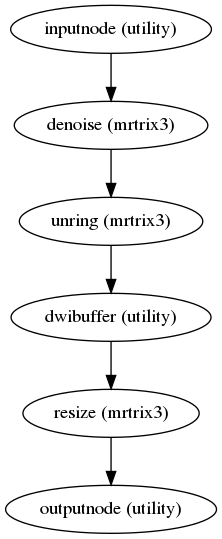
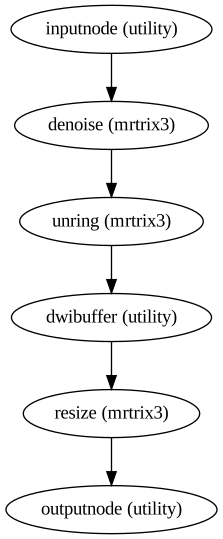
By default, dMRIPrep performs denoising and unringing on each dwi scan. These
steps can be skipped by passing --ignore denoising unringing in the command line.
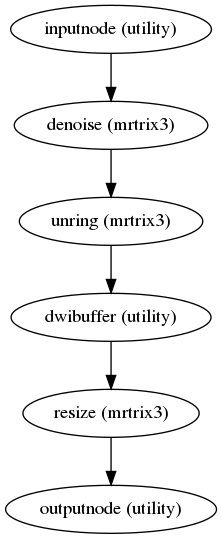
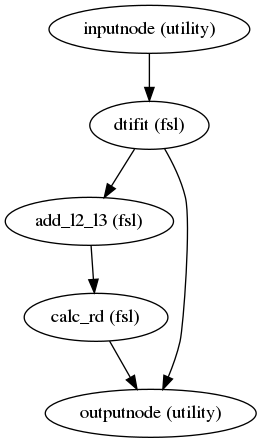
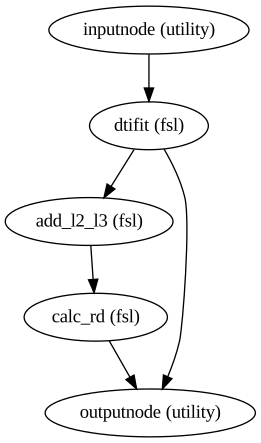
(Source code, png, svg, pdf)
Motion and Susceptibility Correction
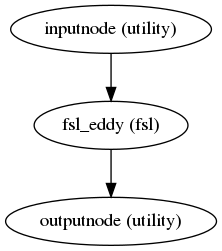
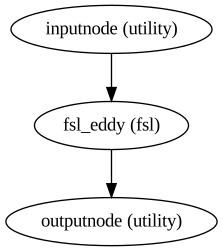
dmriprep.workflows.dwi.eddy.init_dwi_eddy_wf
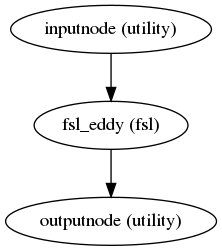
(Source code, png, svg, pdf)
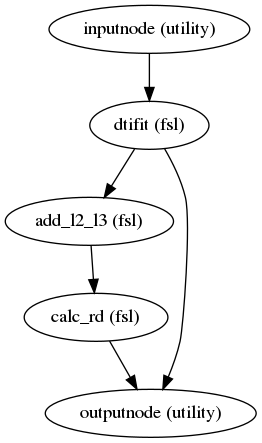
Susceptibility Distortion Correction (SDC)
Introduction
Correction Methods
topup
fieldmap
phasediff
phase1/phase2
nonlinear registration
synthetic b0
Fieldmap
dmriprep.workflows.fieldmap.fmap.init_fmap_wf
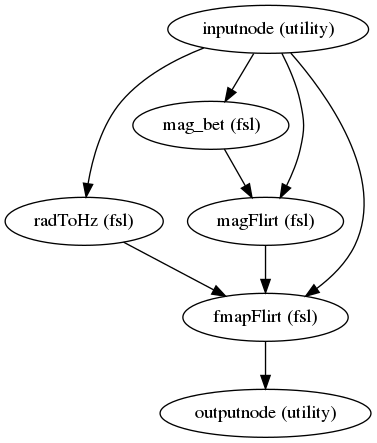
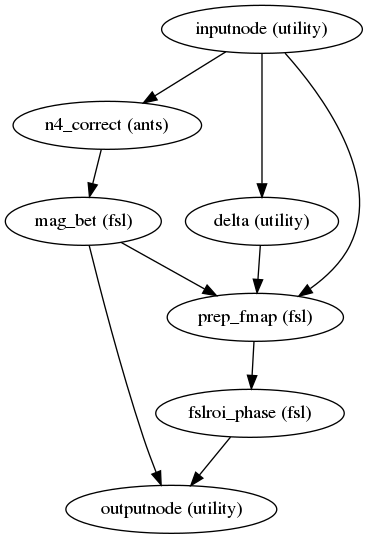
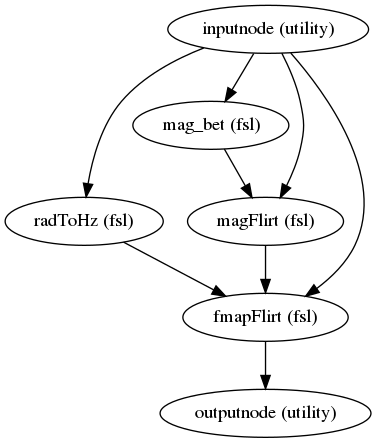
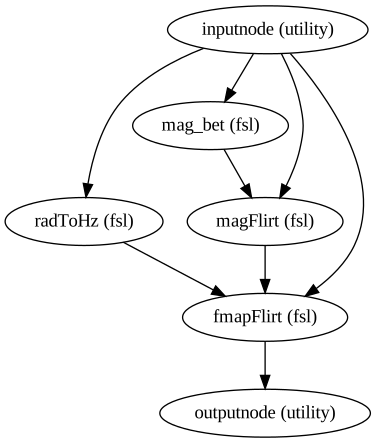
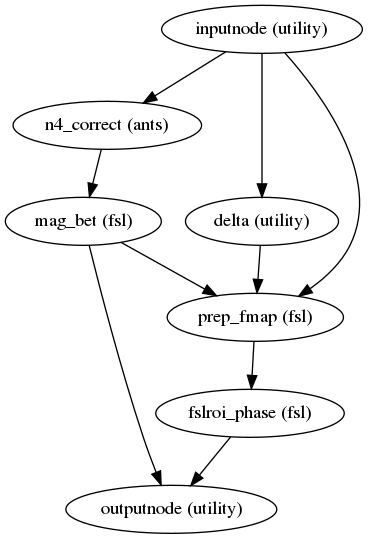
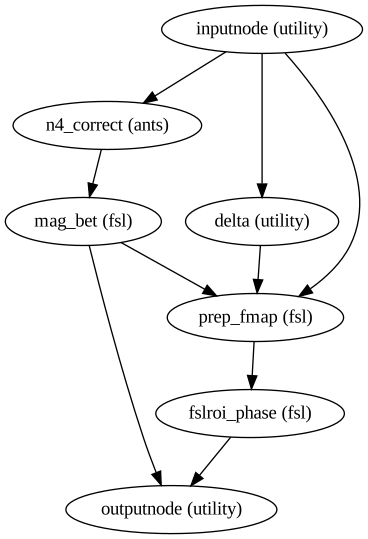
All of the fieldmap-related workflows end with init_fmap_wf. Depending on
the type of fieldmap, other upstream workflows are run. If a phasediff scan is
given, the phasediff is converted to a proper fieldmap using fsl_prepare_fieldmap.
If phase1 and phase2 scans are given, they are first converted to a phasediff scan.
The code for this conversion was derived from `sdcflows <https://github.com/poldracklab/sdcflows/pull/30`_
and tested on the PNC dataset.
(Source code, png, svg, pdf)
Synthetic b0
The synb0 method is based off of this paper. It offers an alternative method of SDC by using deep learning on an anatomical image (T1).
You can use it in this pipeline by generating the synb0s for the subject(s) and
passing the bids-like directory containing them to the –synb0_dir parameter.
To find out how to generate the synb0s, you can visit our
forked repo.
Once you have a directory of synb0s (recommended to place as derivatives of
bids folder, ex. bids/derivatives/synb0/sub-XX), then you are ready to run the
pipeline using them! Just run dmriprep as you usually would, with bids_dir
and output_dir, but now add --synb0_dir <your_synb0_directory> to your command.
The synb0 acquisition parameters for topup and eddy will be automatically generated in the
pipeline in the following format:
0 -1 0 <total_readout_time>
0 1 0 0
If you want to overwrite the total_readout_time with one of your own,
simply add --total_readout <new_trt_time> to your command.